
Chromebook-Friendly Browser Games
Quick browser games that feel at home on Chromebooks: lightweight, touch-friendly, and easy to start in a school or casual setup.
This hub emphasizes games that feel good on lighter hardware and smaller displays, with simple controls and clear browser-first UX.
- Browser-first, no install step required
- Readable on smaller displays, touch-friendly where possible
- Reasonable first tries on school or casual setups
6 games in this hub
Lighter-hardware friendly
Word Search Universe 2
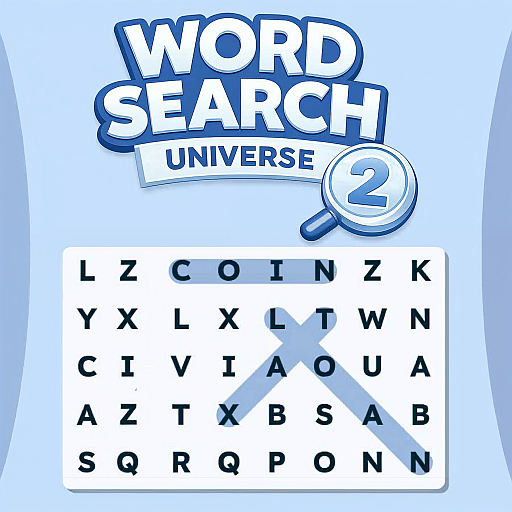
You’re scanning dense letter grids for themed words, but the hook here is how steadily the game broadens its subjects. One round has you picking out food terms in seconds; the next slows you down with history or science vocabulary that blends into the board more convincingly. That variety keeps the pace calm without making it brainless. The interface stays uncluttered, so your attention goes straight to pattern spotting and the small satisfaction of clearing a list cleanly. It’s a good puzzle game for short sessions because each board gives you a tidy objective and a clear finish, yet the rotating topics stop the routine from going stale. If you like word games that lean more on observation than trivia, this one lands nicely between relaxing and quietly demanding.
Puzzle Blocks
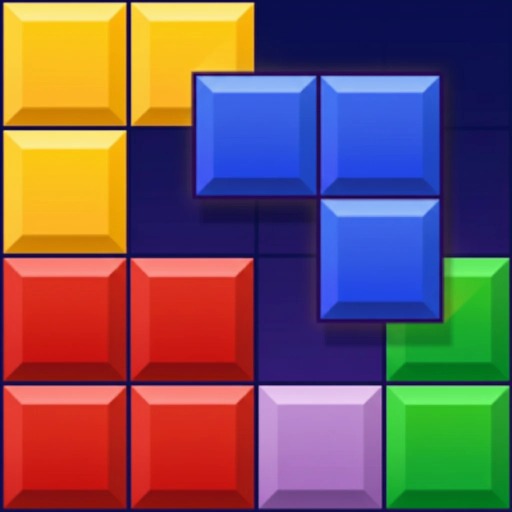
You’re dragging chunky pieces into a grid, trying to complete full rows and columns before the board clogs up. What makes Puzzle Blocks work is the way it shifts your mood depending on the mode: one round pushes you to think fast under a timer, another asks for cleaner, more deliberate saves, and free play lets you settle into that satisfying rhythm of setting up double clears. It borrows the simple pleasure of line-making, but it feels more like space management than twitch reflex. The best moments come when you stop chasing the obvious placement and hold out for a move that pops multiple lines at once. It’s easy to read, quick to restart, and calming even when the pace picks up. If you like puzzle games that reward neat planning over flashy gimmicks, this one stays engaging longer than its plain presentation suggests.
Candy Crunch: Sugar Escape
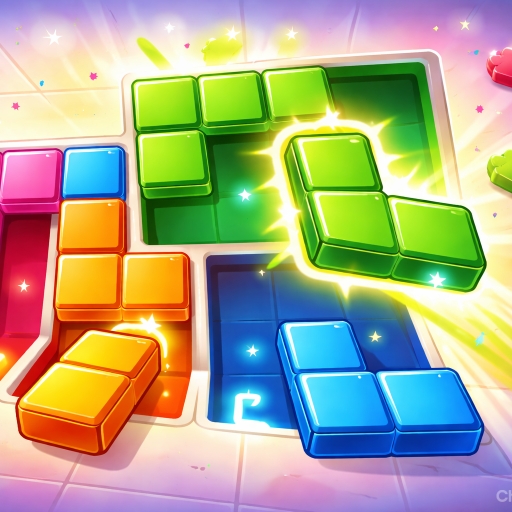
You spend most of your time untangling a cramped tray of candy-colored pieces, figuring out which shape can leave first without trapping the rest. The hook in Candy Crunch: Sugar Escape is how readable each puzzle feels at a glance, then how quickly that confidence disappears once exits start competing for the same narrow lanes. Matching pieces to their colored goals sounds simple, but the fun is in managing order: one careless move can block a long piece or strand a square in the wrong corner. It stays approachable because levels are brief and the visual language is clear, yet there is enough friction to make each clean solution satisfying. This is less about speed and more about patiently creating space, spotting the one blocker that matters, and enjoying that small click when the board finally opens up.
Bottle Logic
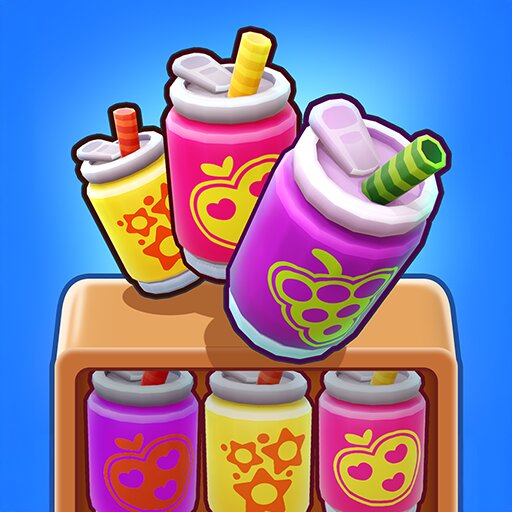
What works here is the steady, almost meditative rhythm of sorting one bottle at a time until a messy layout suddenly clicks into order. You spend each level untangling color stacks, planning a few moves ahead, and protecting the empty space that keeps the whole puzzle solvable. Early stages ease you in, but the larger layouts start punishing careless shuffling and reward patience instead of speed. That makes Bottle Logic feel less like a flashy brain teaser and more like a clean, quietly demanding logic game you can settle into for a while. The huge level count helps, but the real hook is how often a board looks impossible right before the solution reveals itself. Endless mode is a nice extra, though the handcrafted stages are where the puzzle design feels most deliberate and satisfying.
2048 Merge World
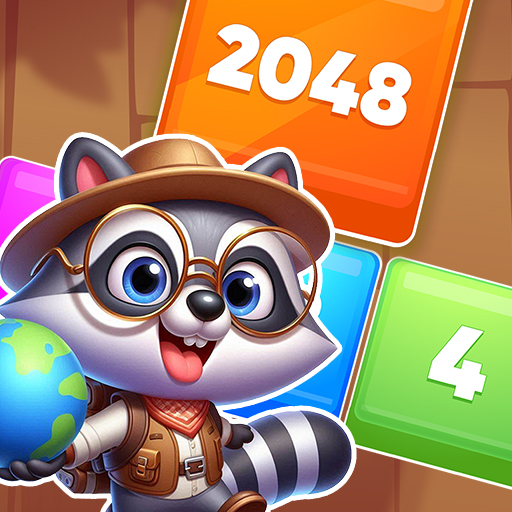
You’re working with a familiar 2048 setup, but this version keeps the appeal where it belongs: in the steady pressure of managing space before the board locks up. Every move matters because small mistakes linger for several turns, and a careless merge can scatter your high-value tiles into awkward positions. The fun comes from building order out of a grid that always wants to become messy. Chasing bigger numbers is satisfying, but the real challenge is keeping your layout stable while lower tiles keep appearing and clogging useful lanes. It’s easy to learn in seconds, yet it rewards patience more than speed. If you like puzzle games that feel calm on the surface but punish sloppy planning, this one delivers that classic number-merging tension without overcomplicating the formula.

Head Ball Challenge
You’re playing short, scrappy soccer matches where timing matters more than realism. The big-headed style gives every duel a slightly chaotic feel, especially when the ball starts bouncing awkwardly near goal and both players panic. What works here is the mix of quick reflex play and petty mind games: you can rush forward, hang back for counters, or pressure mistakes in local two-player matches. Career Mode gives the game more staying power than a one-joke party match, but the immediate appeal is still same-device competition and those messy, last-second goals. It’s simple to understand, yet there’s enough room to learn angles, recover after bad touches, and punish overeager opponents. If you like sports games that lean arcade over simulation, this one is easy to keep playing because every round feels fast, silly, and just tense enough.
Pair these reads with your run
Apr 11, 2026
Browser Games That Actually Feel Good in Safari on iPad
Device-specific posts only work when they talk about feel. The right iPad browser game is not just compatible. It reads clearly, reacts fast, and never makes touch controls feel like an afterthought.

Apr 10, 2026
Unblocked Browser Games Worth Trying First at School or Work
A good unblocked-games post should stop pretending access is guaranteed everywhere. The useful version is a shortlist of browser games that are lightweight, fast to test, and sensible to try first when the network is restrictive.

Apr 11, 2026
Why Daily Browser Puzzles Feel Better Than Endless Feeds
Daily browser puzzles feel powerful because they end. They deliver a clean win or loss, close the loop fast, and give players a ritual without asking for an entire evening.
Questions players usually ask first
That is usually the right fit for Chromebook sessions: games that load cleanly, avoid heavy setup, and stay readable on smaller screens.
Yes. Mobile-friendly and touch-friendly picks are useful signals for Chromebook play because they usually handle compact layouts and simpler controls well.
No. It is also a helpful page for anyone who wants lighter browser games that feel good on casual laptops or tablet-style setups.
Keep exploring
Sister hubs hand-picked for the same kind of player.